
MaidPilot
Cleaning-specific property records, recurring maid templates, job-linked invoicing, message channels with consent, review requests, and AI across calls, inbox, and follow-up. The pick when cleaning is the whole business.
Broad home-service platform vs cleaning-first tools — alternatives grouped by what each one optimizes for.
Entry price read from housecallpro.com/pricing on 2026-10-15. Verify on housecallpro.com before buying.
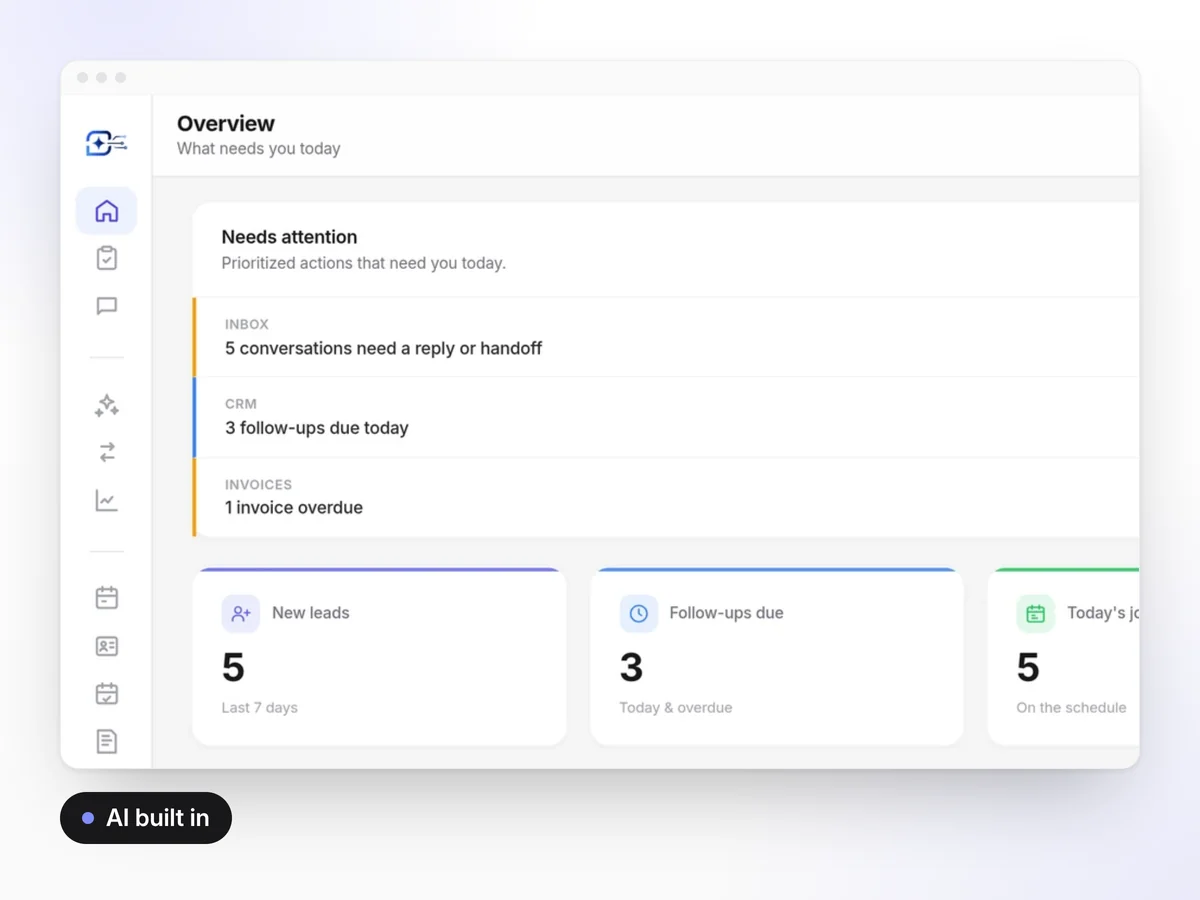
People search for Housecall Pro alternatives for two opposite reasons. Some find it too broad — modules for trades they will never run, priced per user. Others find it not deep enough in one place: cleaning-specific property records, recurring maid templates, and cleaning language in the customer's messages. Both are legitimate, and they point at different shortlists.
| Capability | Housecall Pro (read 2026-10-15) | MaidPilot |
|---|---|---|
| Built for cleaning companies | No — general home-service platform | Yes — cleaning operating system |
| CRM with property records | Yes — full CRM | Yes — properties, tags, timeline |
| Scheduling and recurring | Yes — dispatch plus recurring | Yes — recurring jobs, conflicts, crew assignment |
| Website and lead capture | Yes — consumer online booking | Yes — website builder plus contact forms |
| Invoices and payments | Yes — full invoicing and payments | Yes — invoice links and overdue follow-up |
| AI Copilot that takes action | Limited / not publicly confirmed | Yes |
| AI follow-up automation | Limited — notifications | Yes — approve or auto-send |
| 24/7 AI call answering | No | Yes — optional add-on |
| Published entry price | Basic $59/mo billed annually (save $20/mo); $35/mo per additional user; tiers published up to $329 | Tiers on the pricing page, no per-seat add-on pricing on the public page |
Sources: housecallpro.com · housecallpro.com/pricing, read 2026-10-15. Same facts already published on our Housecall Pro vs MaidPilot page.
Cleaning-specific property records, recurring maid templates, job-linked invoicing, message channels with consent, review requests, and AI across calls, inbox, and follow-up. The pick when cleaning is the whole business.
Cleaning calendar with recurring automations and client management. Strongest when the calendar is the gap and the rest of the stack is acceptable.
Booking-first tools aimed at converting website visitors into booked jobs. Compare them if public self-serve booking is the centre of your growth plan.
Inspections, checklists, and client-facing quality reports for janitorial teams. The pick when formal inspection scorecards are core to a contract.
Being honest about this is the point of a roundup. Housecall Pro is the better answer when:
Per-user pricing changes how a cleaning company hires. A cleaner who only needs a schedule and a checklist is a full seat on a per-user plan. Before you compare headline prices, model the seat count you will need in twelve months — the month you add a second crew is the month the comparison changes.
That is not an argument against per-user pricing; it is an argument for modelling it. Use your own crew plan, and read every vendor's current numbers on the vendor's own page.
If pricing is the reason you are looking, the hourly and flat-rate pricing guide is the more useful read first: software does not fix a price that was never calculated.
Property records, recurring schedule, invoices, and AI in one platform for cleaning companies.
Charged today · cancel anytime · Starter: 14-day free trial
Published plans and what each one includes.
Every cleaning software comparison we publish.
Pricing, routing, hiring, and operations guides.
Field service vs cleaning OS.
The ranked list for 2026.